
Download OK Button – Simple Button & Menu Creator
Overview
OK Button is a mobile application designed to streamline the creation of interactive buttons and menus, targeting users who need quick, functional web elements without advanced design skills. The app serves as a lightweight utility for individuals and small teams who require straightforward tools to enhance digital interfaces. Its primary purpose is to simplify the process of generating clickable UI components, reducing the time and technical knowledge typically required for such tasks. This makes it particularly useful for website builders, content creators, and developers managing minor interface updates.
The app’s core value lies in its minimalistic approach—offering essential tools without overwhelming users with complex options. While the developer did not provide additional background details, the app’s long-standing presence since its release on July 2, 2010, suggests a stable and reliable foundation. It remains relevant in the current digital landscape by focusing on usability over feature bloat. Real-world use cases include adding call-to-action buttons to landing pages, creating navigation menus for mobile sites, or prototyping interface elements during early development stages.
Within the broader app ecosystem, OK Button occupies a niche as a specialized tool for rapid UI prototyping. Its focus on accessibility ensures that users without formal design training can still produce polished results. The app does not claim to replace full-featured design suites but instead complements them by handling quick, repetitive tasks efficiently.
Key Features & Functionality
- User-Friendly Interface: The app features an intuitive layout that guides users through button and menu creation with minimal friction. Even individuals without prior design experience can navigate the toolset with ease, thanks to clear visual cues and logical workflow progression.
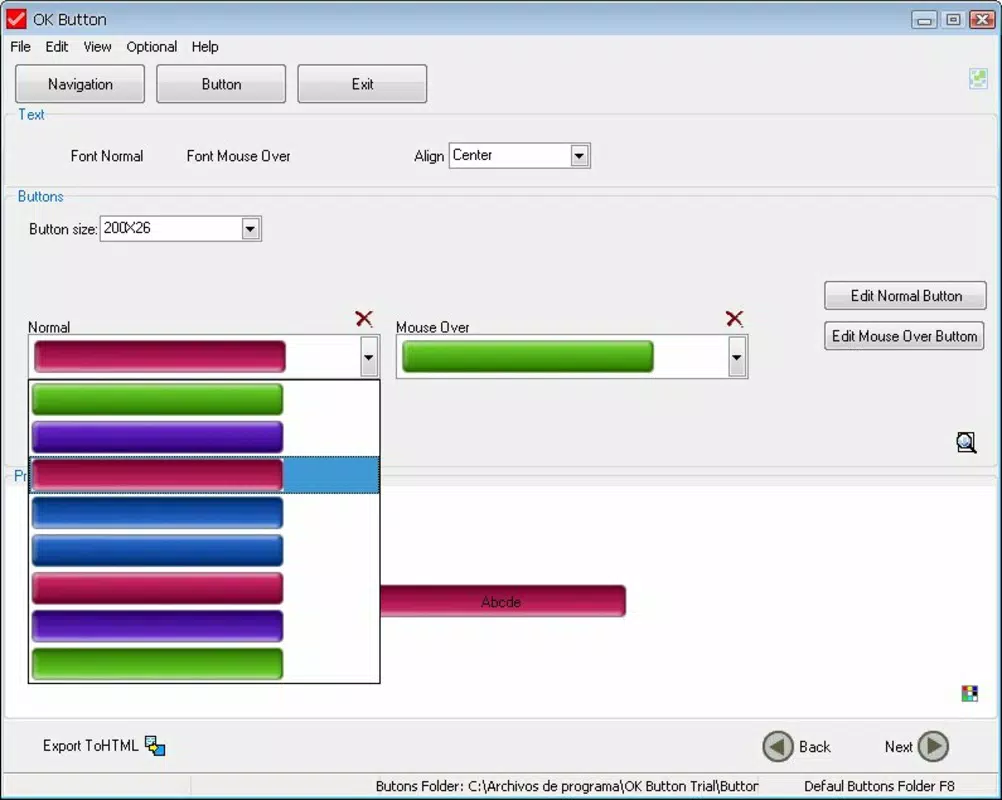
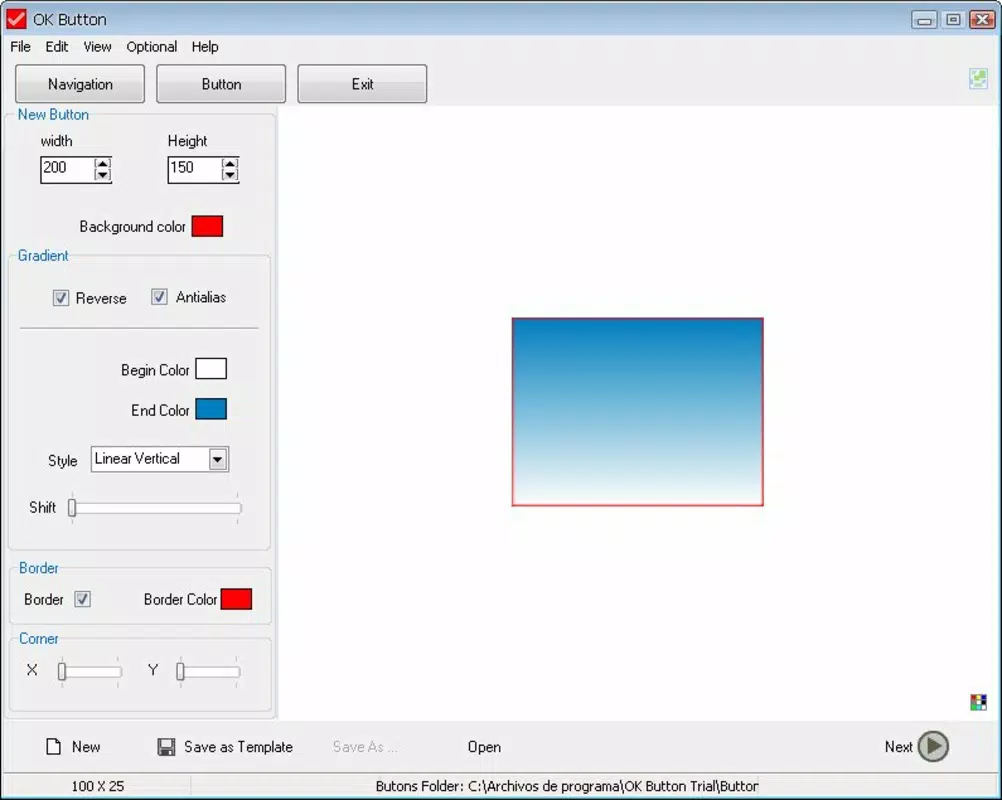
- Customization Options: Users can adjust button size, shape, color, and text to match their desired aesthetic. The ability to insert custom images and text allows for basic personalization that enhances visual consistency across projects.
- Hover Effects: The app supports dynamic visual changes when a user hovers over a button, improving interactivity and user engagement on web-based interfaces. This feature helps create a more responsive feel, even in simple designs.
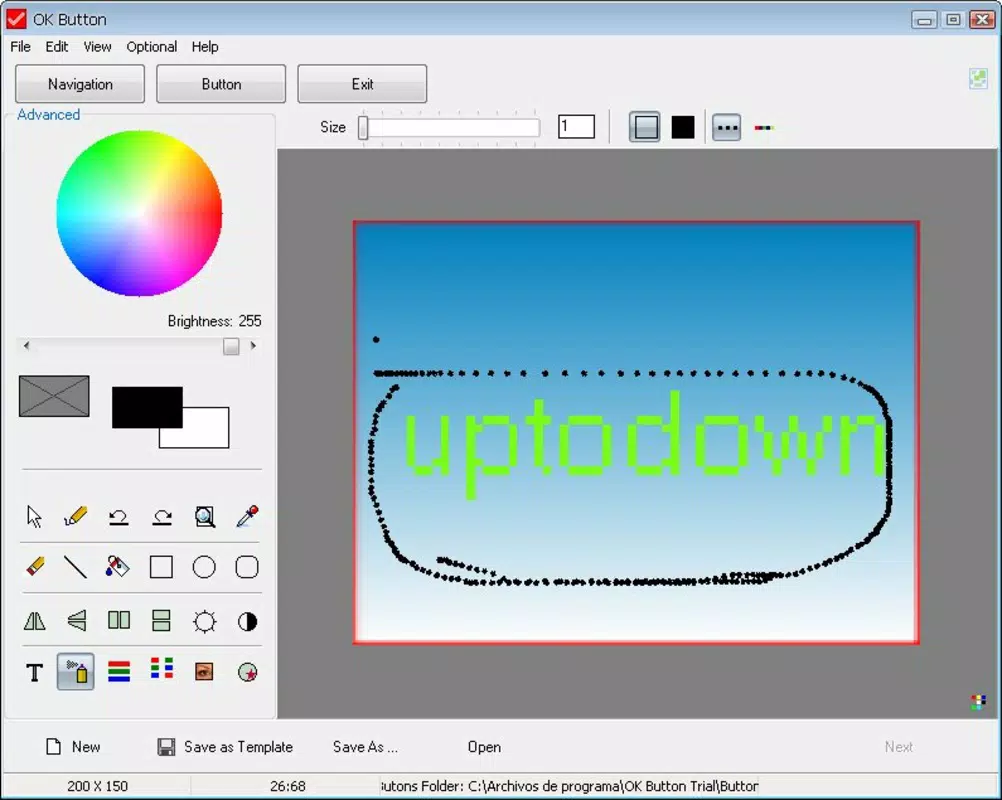
- Basic Design Tools: While the app provides only foundational tools, they are sufficient for common tasks such as generating standard buttons, navigation elements, and simple interactive menus. It excels in delivering predictable, consistent output without unnecessary complexity.
- Accessibility for Beginners: OK Button is explicitly tailored for novice users who need to create functional UI components without learning complex software. This focus on simplicity ensures a low barrier to entry, making it ideal for non-technical users.
For example, a small business owner could use OK Button to create a “Contact Us” button for their website in under five minutes. Similarly, a student building a personal portfolio might use it to design navigation links without needing to code or use advanced design software. The app’s functionality is purpose-built for these scenarios, emphasizing speed and usability over advanced capabilities.
Interface, UX & Performance
The user interface of OK Button reflects a clean, minimalist design philosophy. Elements are arranged in a logical, top-to-bottom flow, with primary actions clearly labeled and accessible. The visual style prioritizes clarity over ornamentation, ensuring that users can focus on content creation without distraction.
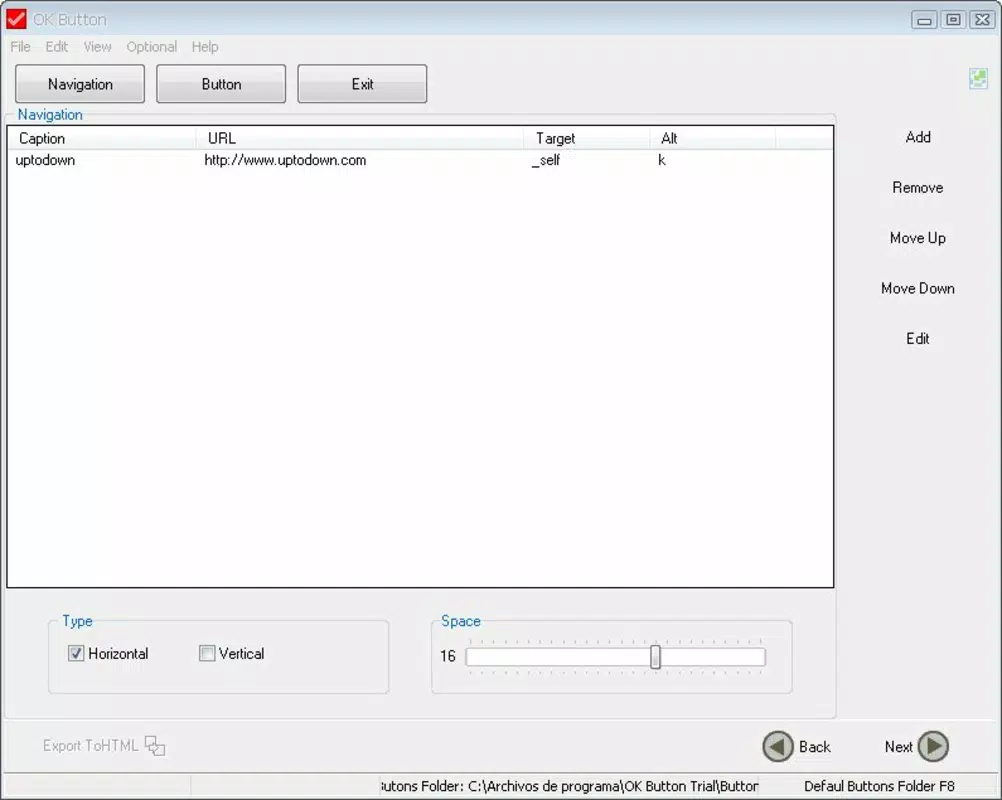
Navigation is straightforward, relying on a series of intuitive prompts that guide users through each step of button and menu creation. The app does not require users to memorize commands or navigate complex menus, which enhances the overall ease of use. This simplicity is especially beneficial for users with limited technical experience.
Although the developer did not list formal performance metrics, the app’s lightweight nature suggests it operates smoothly on a range of devices. It is expected to respond promptly to user inputs and maintain stability during typical usage. The interface remains responsive across different screen sizes, indicating a basic level of adaptability. However, specific performance details on older or lower-end devices were not disclosed.
Platform Compatibility & Technical Requirements
OK Button is available on Android and iOS platforms. The app supports the latest versions of both operating systems, though specific OS requirements were not listed by the developer. The file size is approximately 15.2 MB, making it a lightweight download suitable for devices with limited storage.
The software version is currently 1.0.1, released on July 2, 2010. While the app has remained unchanged in versioning, its continued availability suggests ongoing compatibility with modern systems. The developer did not specify minimum OS requirements or hardware specifications, so users should ensure their devices meet general compatibility standards for mobile applications.
Pros and Cons
Pros
- Simple, intuitive interface ideal for beginners and non-designers
- Quick creation of buttons and menus without coding
- Lightweight file size suitable for low-storage devices
- Basic customization options for color, size, and text
- Supports hover effects to enhance user interaction
Cons
- Limited feature set compared to advanced design tools
- No support for animations or complex interactions
- Outdated version number may raise concerns about updates
- Developer did not provide detailed technical or compatibility information
- Minimal support for responsive design beyond basic adjustments
FAQ
Is OK Button safe to download and install?
Yes, the app is designed as a utility tool and does not require sensitive permissions. It is considered secure for standard use on compatible devices.
Can I use OK Button on both Android and iOS?
Yes, the app is available on both Android and iOS platforms, allowing users to access it across different mobile ecosystems.
Does OK Button require an internet connection?
Based on available information, the app functions offline. No real-time data processing or cloud integration is required for core features.
How often is OK Button updated?
The app’s version has not changed since its initial release in 2010. The developer has not indicated a schedule for future updates.
Is OK Button free to use?
The app is available for free download. No in-app purchases or subscription fees are reported.
Final Thoughts
OK Button remains a functional tool for users seeking a no-frills solution to create basic web interface elements. Its simplicity, lightweight design, and focus on accessibility make it a practical choice for beginners, educators, and small-scale creators. While it lacks advanced features and modern design capabilities, it excels in delivering what it promises: a fast, reliable way to generate buttons and menus without complexity.
For those who value speed and ease over customization, OK Button offers a dependable utility that fits seamlessly into lightweight workflows. It may not be the most powerful tool on the market, but it fills a niche for users who need immediate results without technical overhead.
Download OK Button now


